

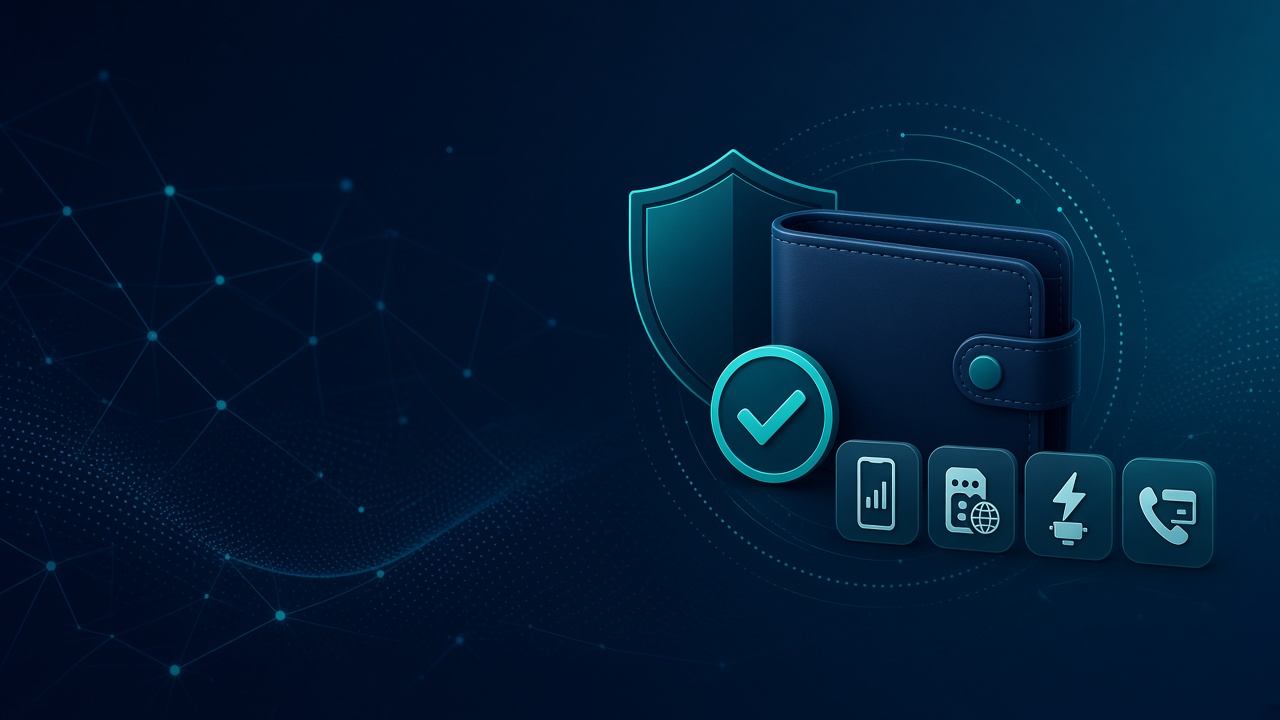
If you use DS SMS HUB for airtime, data, electricity, social boost, or virtual numbers, your wallet is the centre of everything. A quick, safe top-up means your services keep running without delay.
This guide shows the safest way to fund your wallet, what to check after payment, and how to avoid common mistakes.
Why wallet funding matters
DS SMS HUB runs on your wallet balance. Once funded, you can:
- Buy cheap data and airtime
- Pay electricity bills
- Order social media boost
- Get OTP / virtual numbers for verification
So when a payment succeeds on the payment page, your wallet should update quickly. If it does not, there is usually a simple fix.
Safest way to fund your wallet
- Log in to your DS SMS HUB account
- Go to Fund Wallet
- Enter an amount (minimum usually ₦100)
- Choose Automatic payment
- Complete payment on the secure checkout page
- Wait to be redirected back to your dashboard
After a successful payment, your balance should update automatically. Keep your payment reference in case you need support.
What to do if payment succeeded but balance did not update
This can happen when the payment provider confirms the transfer before your wallet page refreshes. Do this:
- Refresh your dashboard or Fund Wallet page
- Check your deposit history for the reference
- If it still shows pending after a few minutes, contact support with your email and payment reference
Never send money to a personal account shared in DMs. Only use the official funding options inside your DS SMS HUB account.
Quick safety tips
- Use your real email so you can recover your account
- Do not share your password or OTP with anyone
- Avoid temporary / disposable emails for signup
- Confirm you are on the official DS SMS HUB website before paying
After funding: what you can do next
Once your wallet is funded, you can instantly:
- Buy MTN, Glo, Airtel, or 9mobile data/airtime
- Pay electricity tokens
- Run boost orders
- Rent virtual numbers for app verification
Final note
Wallet funding should be simple: pay on the official page, return to your dashboard, and start using services. If anything looks stuck, keep your reference and message support — we will sort it.
Ready to continue? Fund your wallet on DS SMS HUB and get back to cheaper digital services in minutes.