

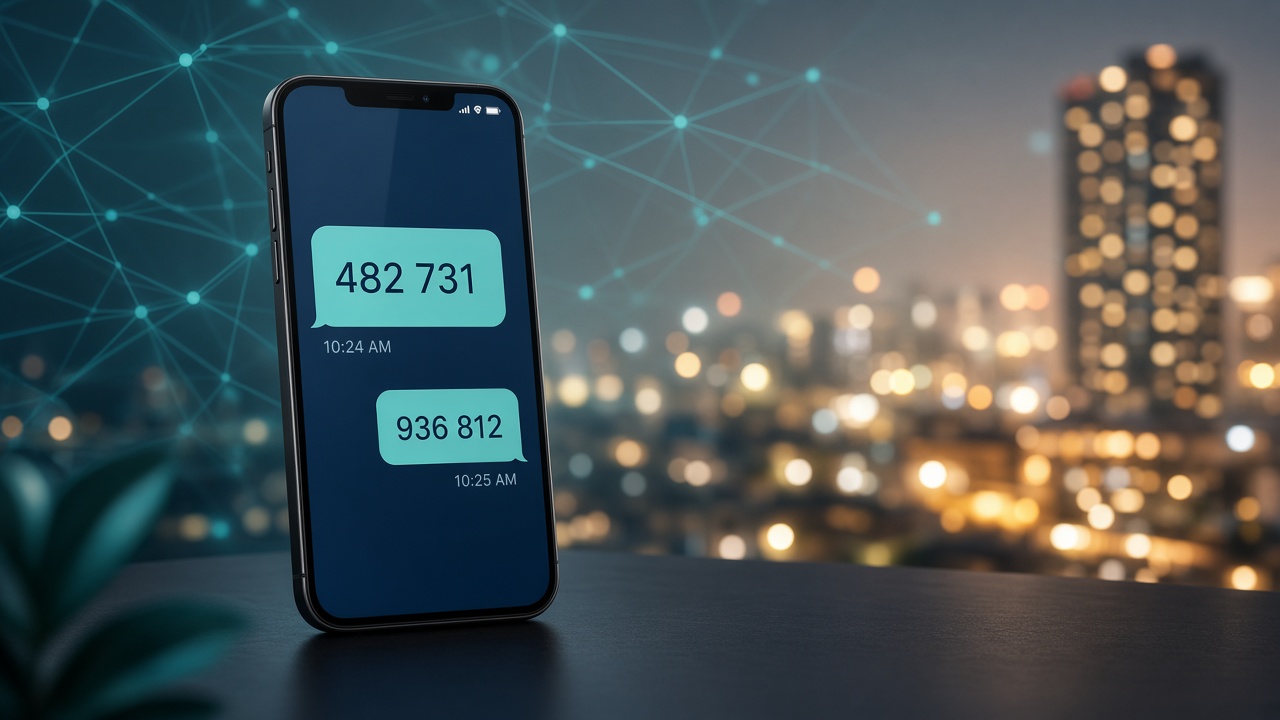
If you create accounts for WhatsApp, Telegram, Instagram, Google, or business tools, OTP codes can feel like a bottleneck—especially when you do not want every login tied to your personal phone number. Many Nigerians now use virtual numbers for verification: a temporary line that receives the SMS code, then expires.
This guide explains how virtual OTP numbers work on DS SMS HUB, how to choose the right server, and how to avoid common mistakes that waste wallet balance.
What is a virtual number for OTP?
A virtual number is a short-term phone line rented for SMS verification. You buy it from your wallet, copy the number into the app you are signing up for, wait for the code on DS SMS HUB, then enter it. When the window ends—or you cancel early if no SMS arrives—you are not stuck with a permanent SIM.
It is ideal when you:
- Need multiple accounts for work, testing, or client setups
- Want to keep your personal number private
- Travel or switch devices and still need verification options
- Run digital services that require frequent OTP checks
How buying works on DS SMS HUB
- Fund your wallet (card, supported payment options, or crypto where enabled).
- Open Buy Virtual Number and pick a server (USA-only or Global & USA).
- Select the app/service (and country, if that server supports it).
- Confirm the live Naira price, then purchase.
- Watch the timer, copy the OTP when it arrives, and finish signup.
Prices are calculated from live upstream cost + your plan’s extra, so what you see before buy should match checkout—no surprise “fake USD” quotes.
Why we offer multiple servers
Not every route delivers every app equally well. Stock, network quality, and country coverage change through the day. That is why DS SMS HUB gives you several gateways:
- USA Only / USA Premium — strong for many US-routed social and productivity apps
- Global & USA — country picker when you need international lines
Pro tip: If one server is out of stock or slow to deliver, switch to another enabled server instead of waiting forever. That habit alone saves most users money.
Cancel, timers, and refunds (read this)
Every order has a short waiting window. If the SMS never arrives:
- Wait for the cancel cooldown (usually about 60 seconds after purchase on most servers).
- Cancel before the timer ends when allowed, or let auto-expire refund you when the window closes.
- Once a valid code is received, the order is completed—no refund (you already got the OTP).
Newer routes like Server 5 and Server 6 use a tighter 6-minute site timer so unused lines resolve faster and wallet refunds return sooner.
Best practices for higher success
- Use a matching IP when needed — some apps are stricter if your location and number country disagree.
- Buy only when you are ready to paste the number — timers are short.
- Do not share OTP codes — treat them like passwords.
- Enable 2FA on important accounts after signup so you are not locked out when the rental ends.
- Keep wallet funded — failed checkouts from low balance waste time during peak hours.
More than OTP: one wallet for digital services
DS SMS HUB is built for everyday Nigerian digital life—not only virtual numbers. From the same account you can also handle data, airtime, electricity, betting wallet funding, and social boost (when enabled). One login, one balance, fewer apps to juggle.
Quick FAQ
Will the number work forever?
No. OTP rentals are short-term. For long-lived accounts, bind your own SIM or enable authenticator/2FA quickly.
Why did I not get an SMS?
Stock, app filters, or network routing. Cancel/refund when allowed, then try another server or service.
Is my personal number exposed?
Purchases use a rented line—not your registered SIM—so your personal number stays off that signup form.
Start verifying smarter
Open your DS SMS HUB dashboard, fund your wallet, pick a server, and rent a number only when you are ready to complete the signup flow. Faster choice of server + watching the timer = fewer wasted orders.
DS SMS HUB by Devionic Solutions — virtual numbers, VTU, and wallet services built for Nigeria.